# Build powerful monitor system with Grafana/Prometheus/Loki
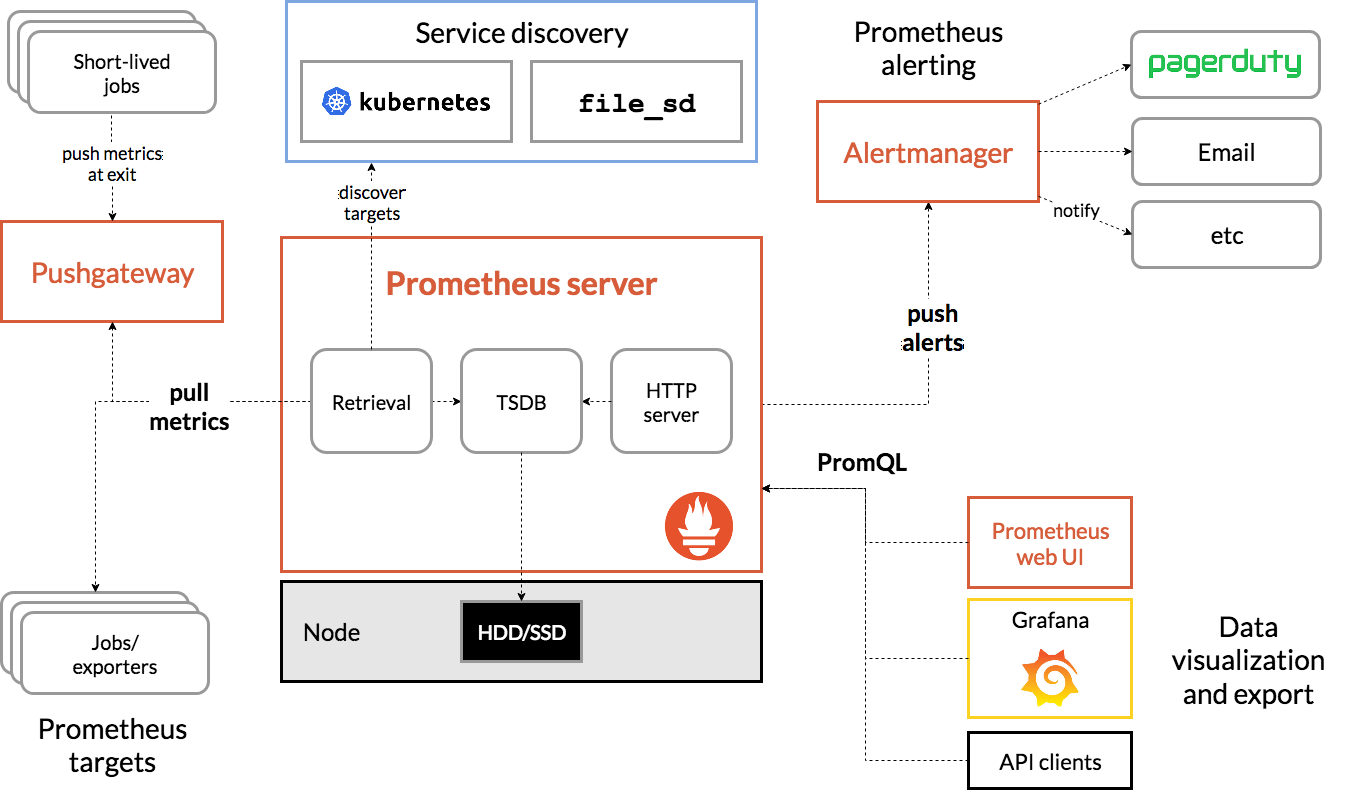
App Mesh can manage all app applications running on Linux and provide build-in Prometheus exporter the metrics can be used to monitor hosted application detail running behavior. Loki can be used to collect all applications and App Mesh logs.
Grafana can be used as Prometheus and Loki web portal, with those components, we can build a runtime metrics and log aggregate system with a flexible GUI.
## Deploy all component by docker compose
### install docker-compose
```shell
sudo curl -L "https://github.com/docker/compose/releases/latest/download/docker-compose-$(uname -s)-$(uname -m)" -o /usr/local/bin/docker-compose
sudo chmod +x /usr/local/bin/docker-compose
```
### Clone App Mesh source files
```shell
git clone --depth=1 https://github.com/laoshanxi/app-mesh.git
cd app-mesh
```
### Deploy all in one YAML
```shell
cd app-mesh/script/docker
$ docker-compose -f docker-compose-all-in-one.yaml up -d
Creating script_prometheus_1 ... done
Creating script_loki_1 ... done
Creating script_consul_1 ... done
Creating script_grafana_1 ... done
Creating script_node_exporter_1 ... done
Creating script_alertmanager_1 ... done
Creating script_promtail_1 ... done
Creating script_appmesh_1 ... done
Creating script_appmesh-ui_1 ... done
```
Then you can access App Mesh UI () with initial user (admin/admin123).
 Monitor system: Grafana, Prometheus, Node Exporter, promtail, Alert Manager
 ## Login Grafana
Open target host
## Login Grafana
Open target host
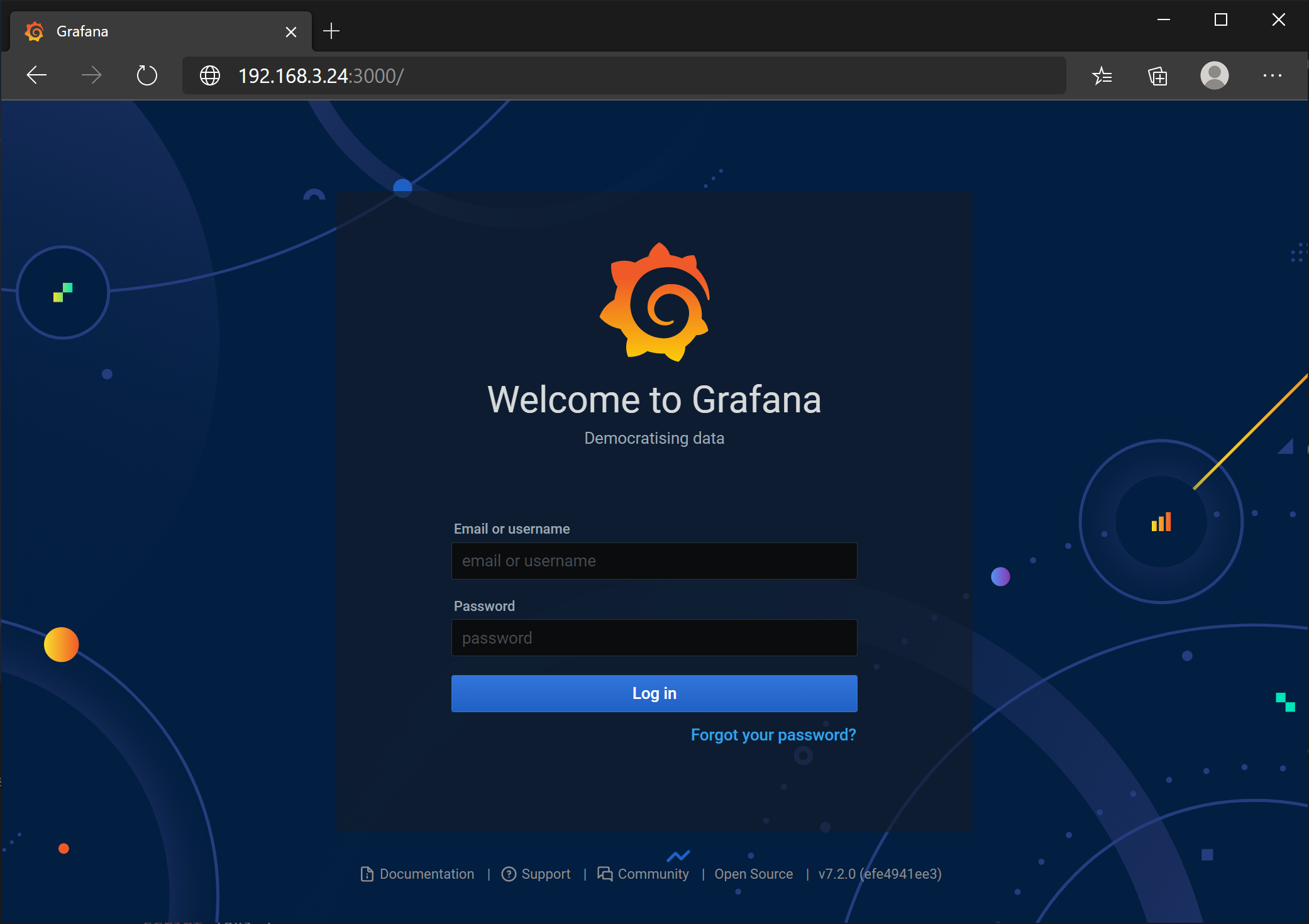 Input initial password admin/admin and change a new password for Grafana
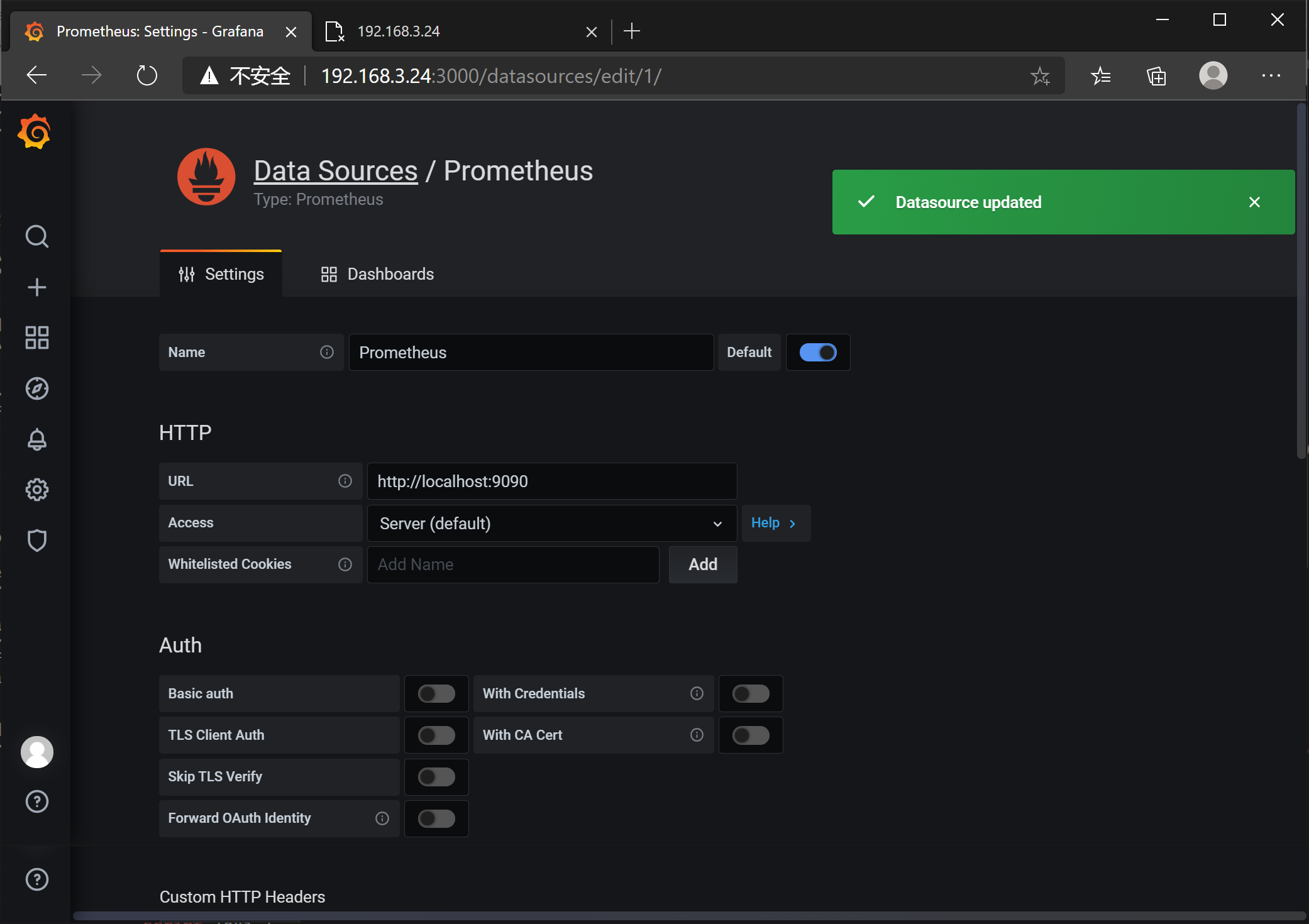
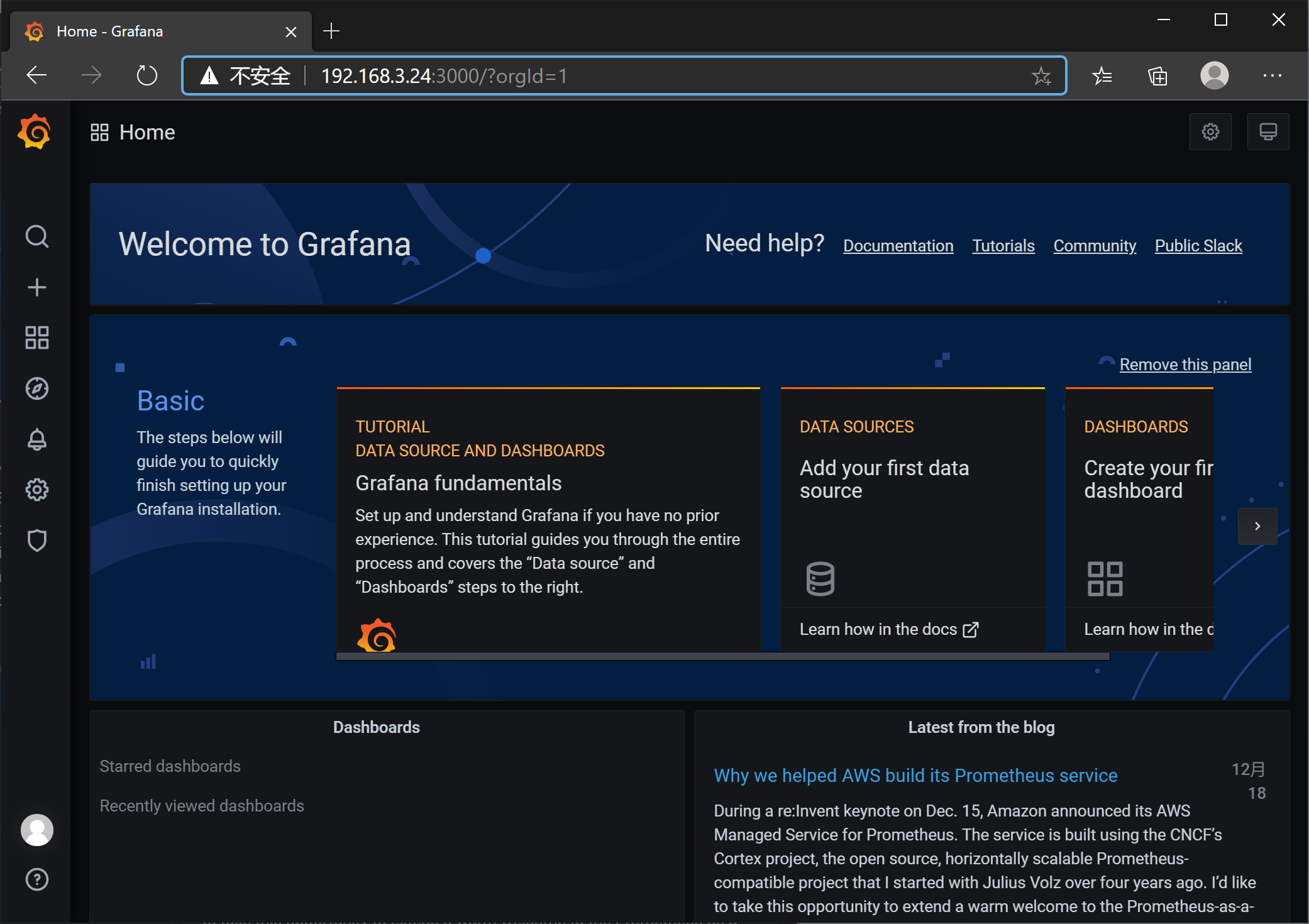 Add Prometheus Data Source with default address()
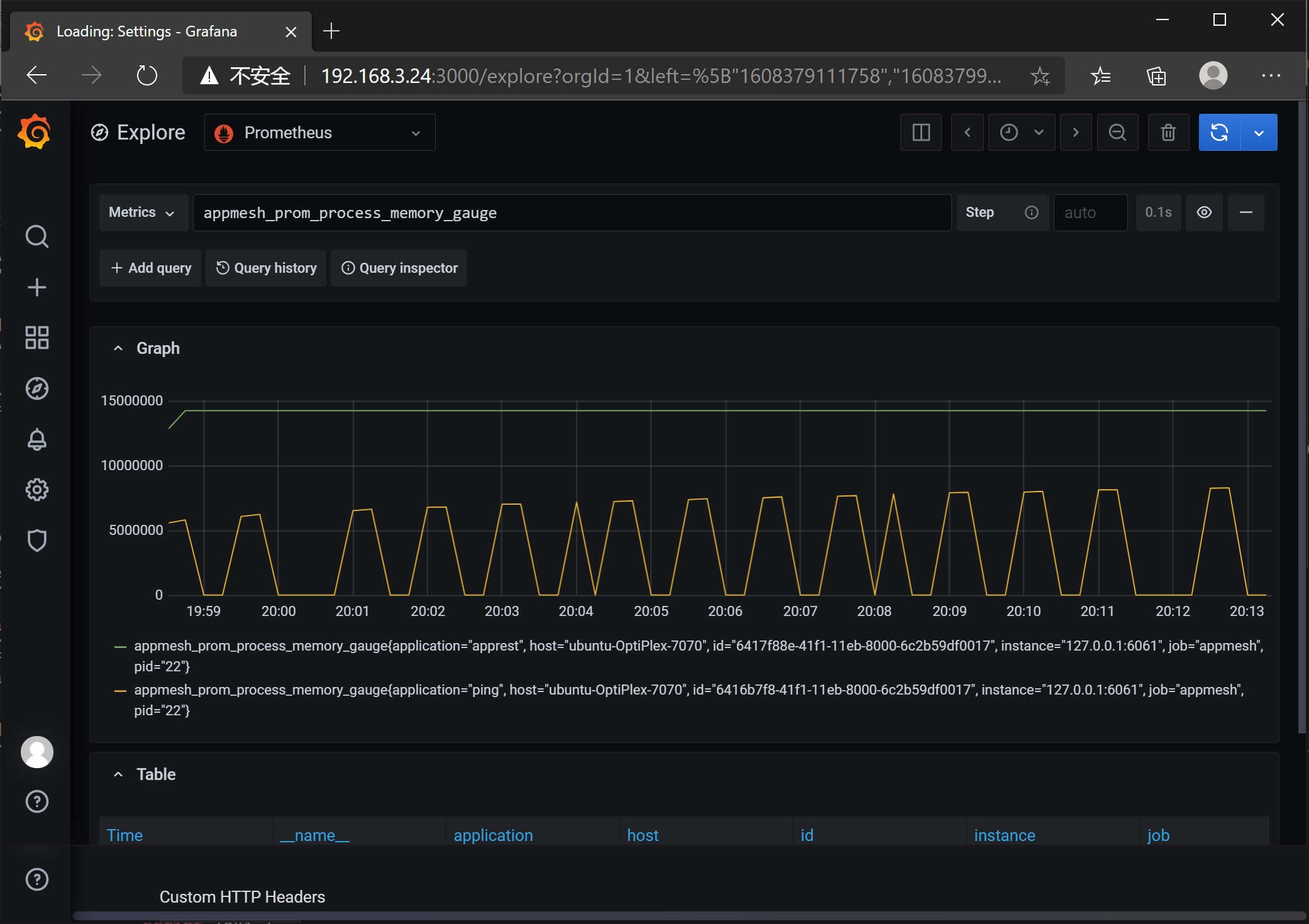
 In Grafana Explorer page, you can query App Mesh metrics
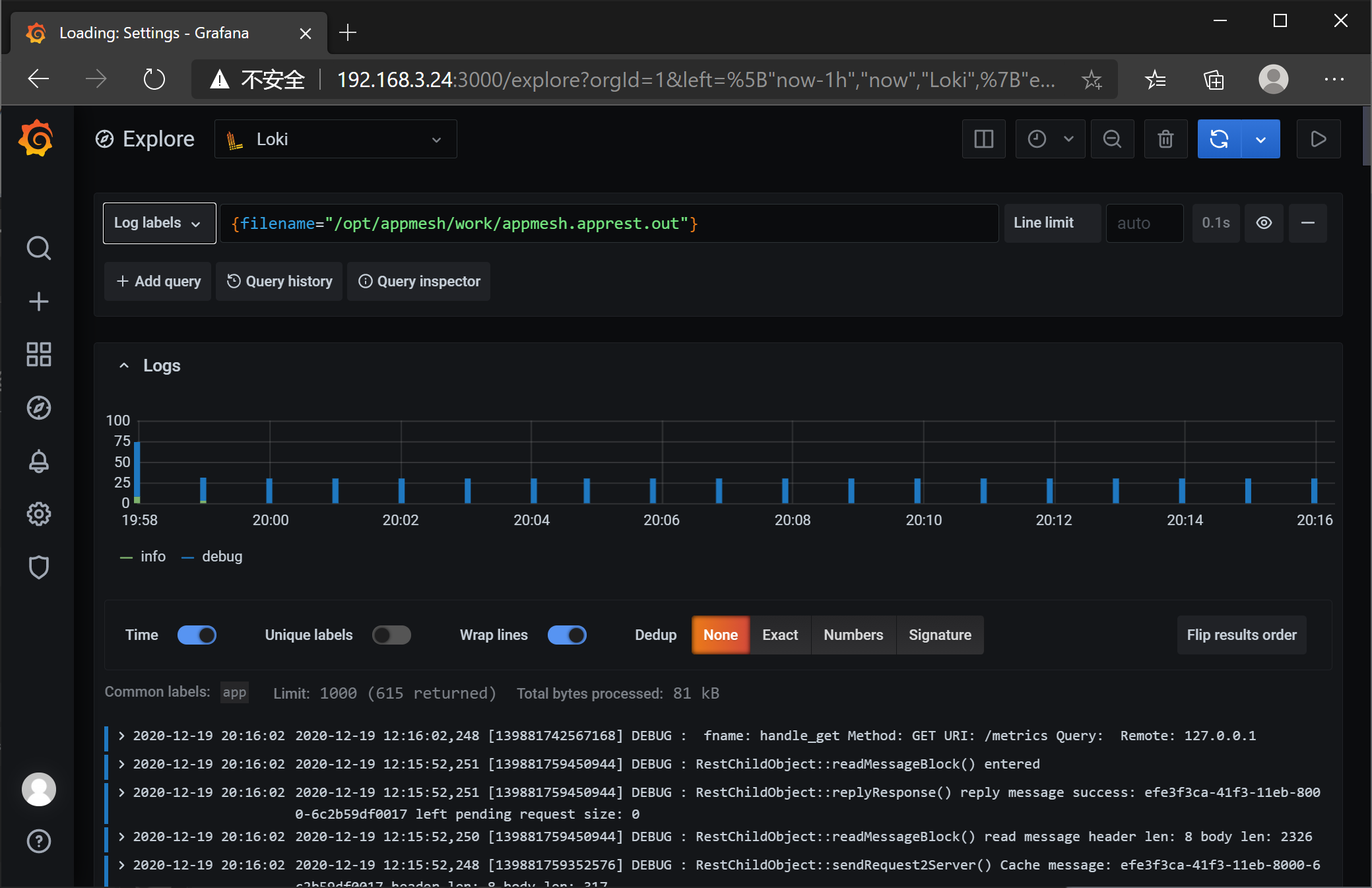
 Add Loki Data Source with default address()
 In Grafana Exploere page, you can query all app stdout of App Mesh managed applications and App Mesh logs
 ## Prometheus UI (alertmanager)
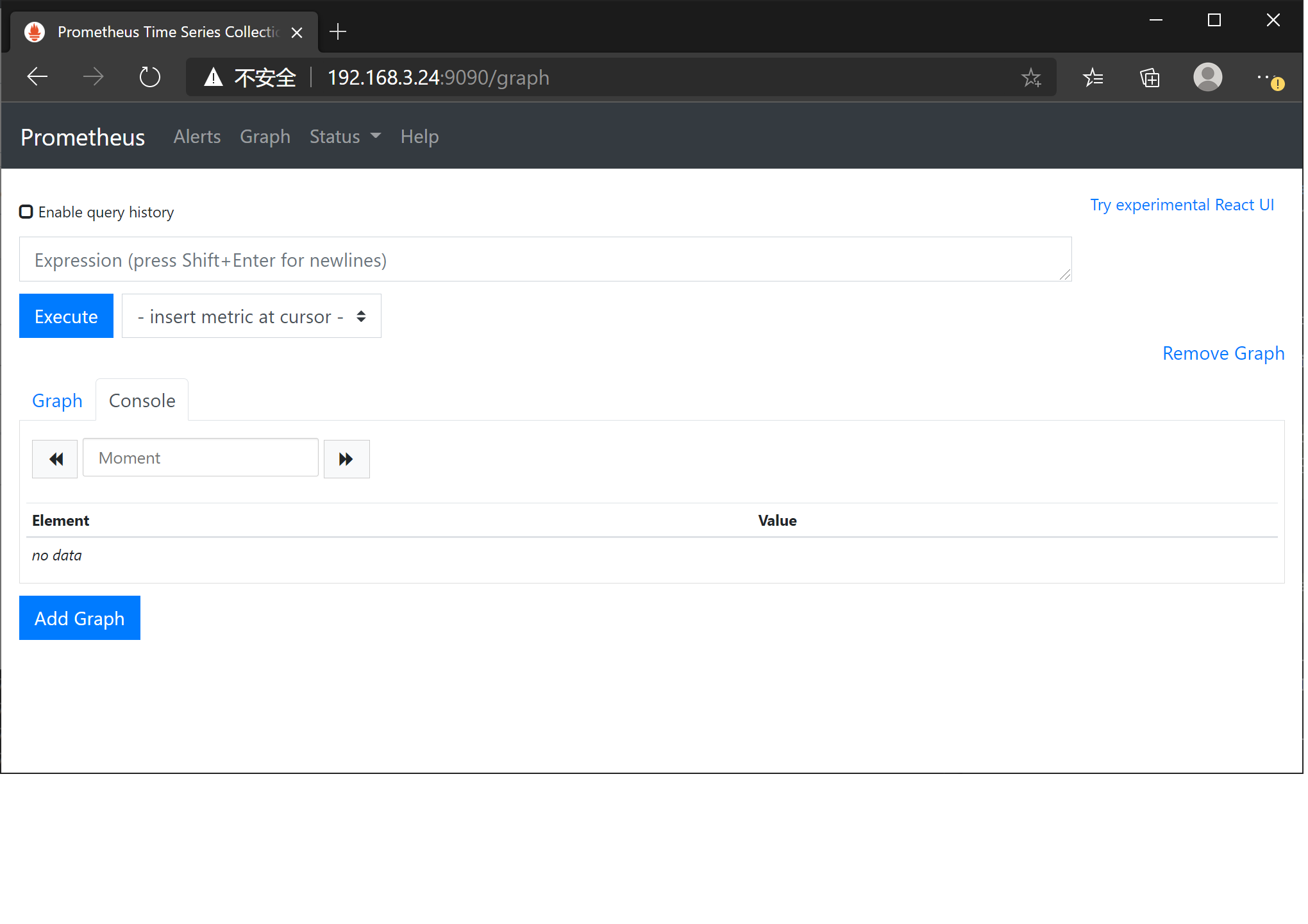
Open Prometheus WEB portal at
## Prometheus UI (alertmanager)
Open Prometheus WEB portal at
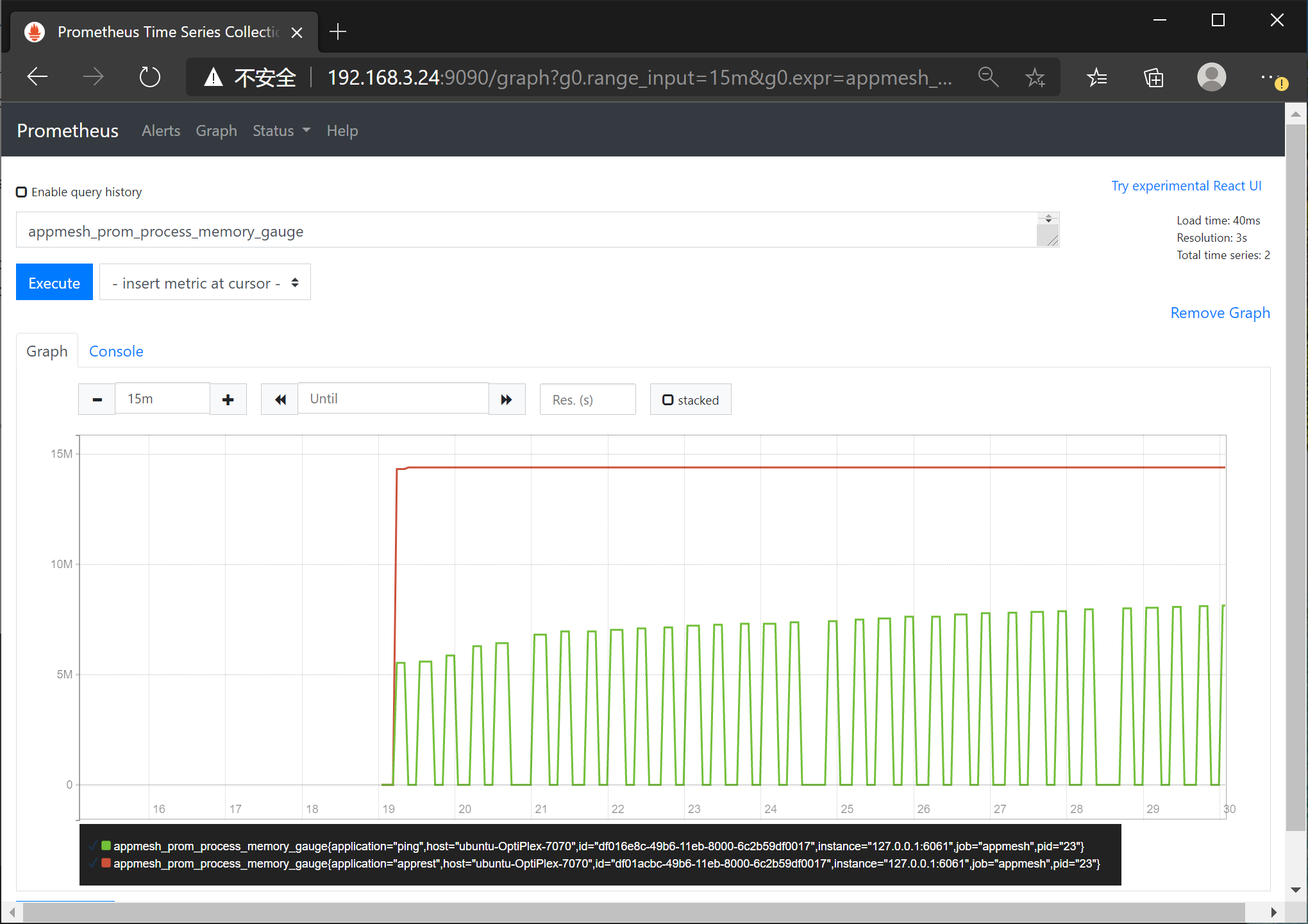
 Query metrics: appmesh_prom_process_memory_gauge
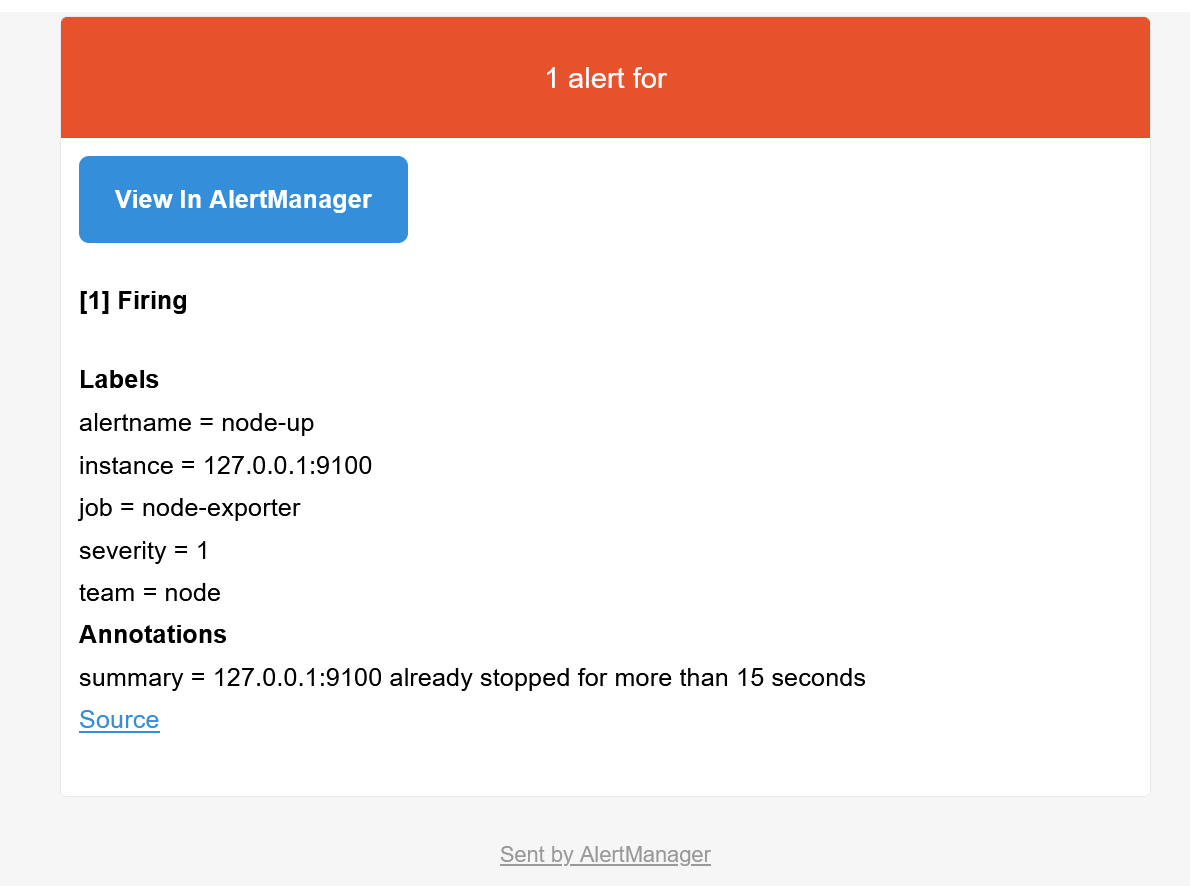
 Stop node exporter to trigger alertmanager, you will get bellow email:
```shell
docker stop script_node_exporter_1
```
Stop node exporter to trigger alertmanager, you will get bellow email:
```shell
docker stop script_node_exporter_1
```
 ### Clean docker compose started containers
```shell
cd app-mesh/script/docker
docker-compose -f docker-compose-all-in-one.yaml stop
docker-compose -f docker-compose-all-in-one.yaml rm -f
```
### Clean docker compose started containers
```shell
cd app-mesh/script/docker
docker-compose -f docker-compose-all-in-one.yaml stop
docker-compose -f docker-compose-all-in-one.yaml rm -f
```
